Free · Open Source · for bahn.de

Always sit facing forward→

bahn.de tells you everything — except which way the train is going. Fahrtrichtung (German for “direction of travel”) shows you with one click, right in the seat reservation.

Install on a computer
Browser extensions can only be added on desktop — not on your phone.
↗ Add to Chrome set up in 10 seconds
Also for Firefox & Edge
0 data collected
ICE · ECE · IC · EC · TGV · EST · RJX · RJ · NJ · EN
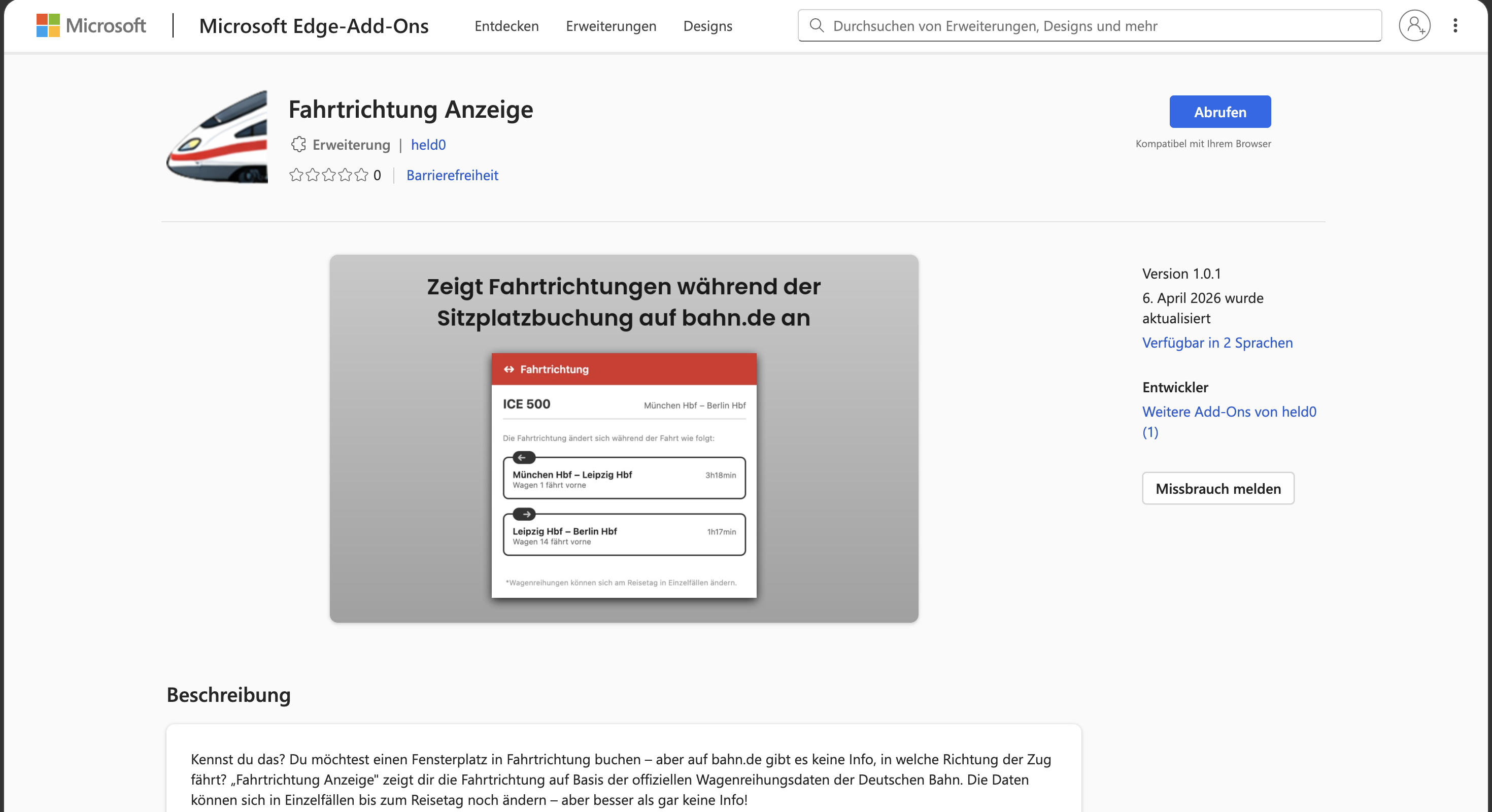
Screenshot of the extension: ICE 500 Munich–Berlin, direction of travel for each section of the route with an arrow and which coach is at the front
Screenshot — the extension in action

No guarantee — but the best data available. The display is based on Deutsche Bahn's official, planned coach sequences. In rare cases the formation can still change at short notice before departure, so there's no 100% guarantee on the direction of travel. Usually it's correct, though, and you're making your choice on the best possible data.

The problem

You book the window seat — and end up riding backwards.

On bahn.de you pick your coach and seat, you see window and aisle — but never which way the train is actually going. If you get motion sick or simply like to look ahead, you're left guessing. The official data exists — it's just not easy to find.

How it works

One click is all it takes

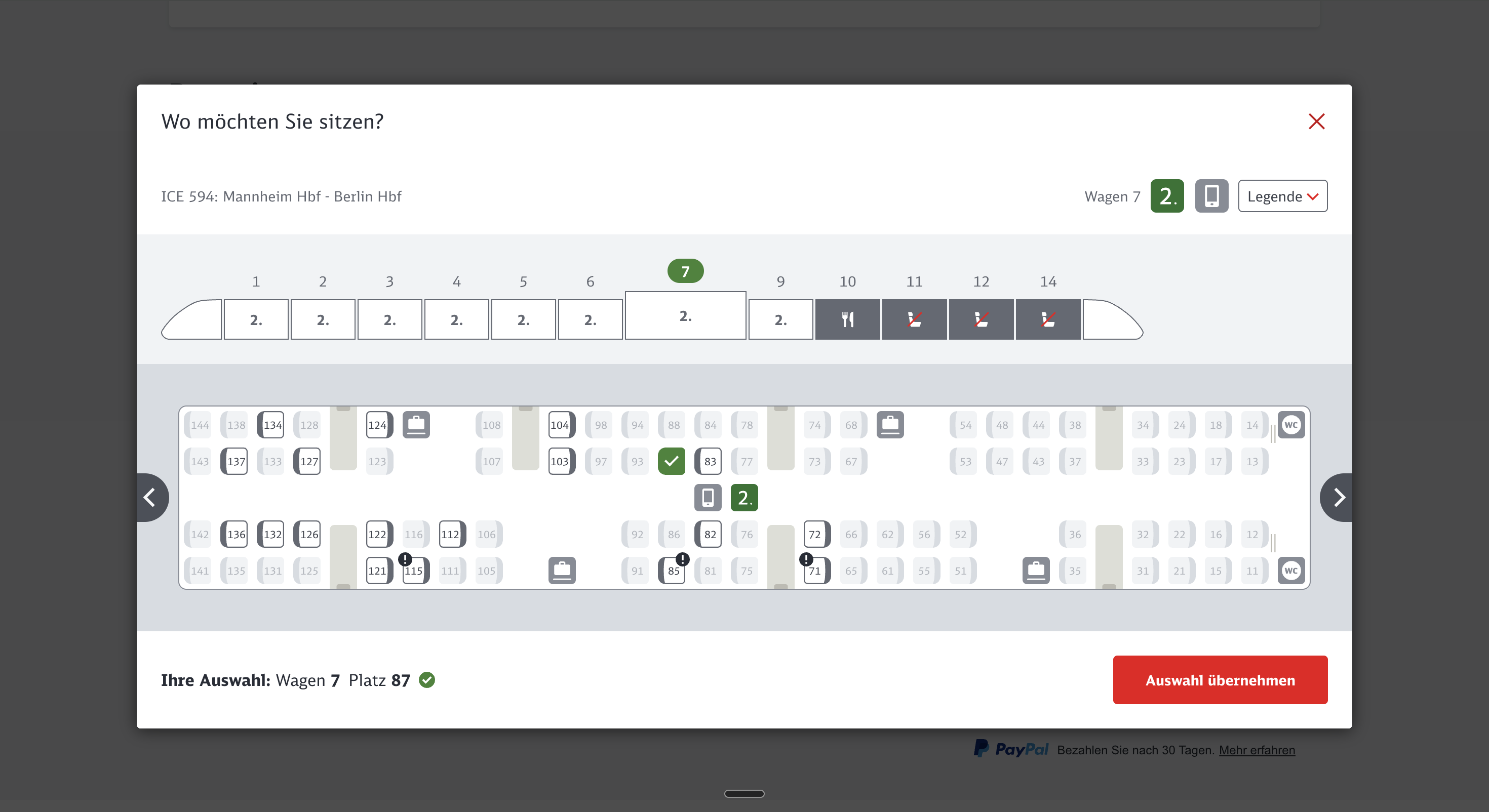
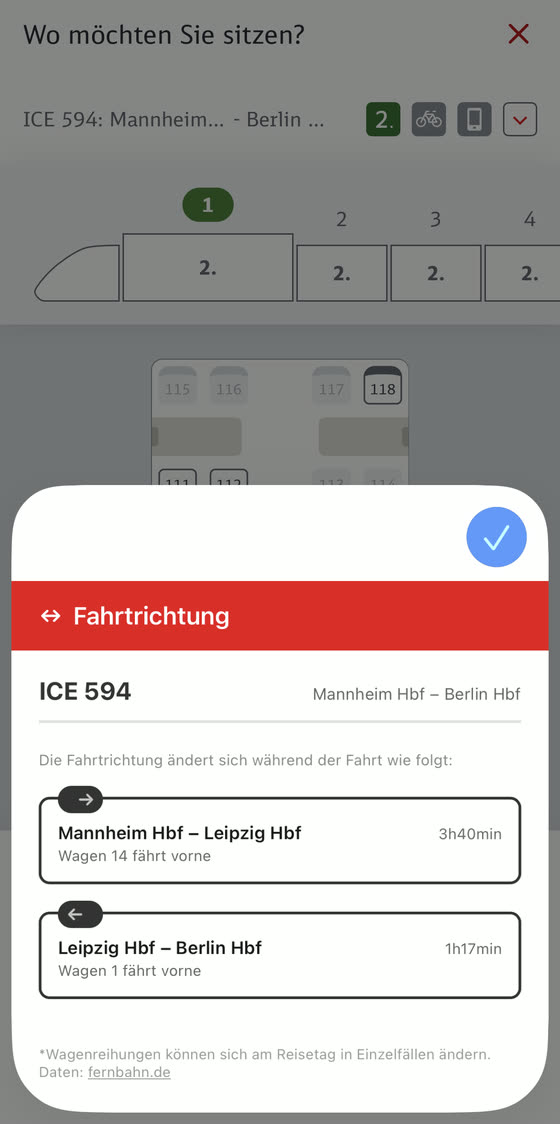
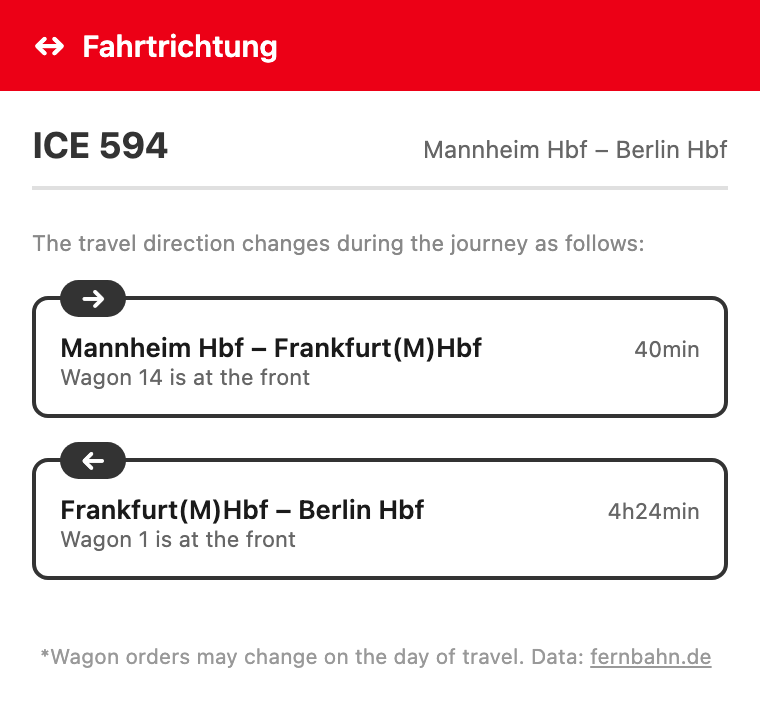
When you choose a seat on bahn.de (the dialog titled “Wo möchten Sie sitzen?” – “Where would you like to sit?”), just click the ICE icon at the top of your browser — and the direction of travel appears instantly.

bahn.de
bahn.de seat map dialog “Wo möchten Sie sitzen?” (“Where would you like to sit?”)
Fahrtrichtung popup showing the detected direction of travel

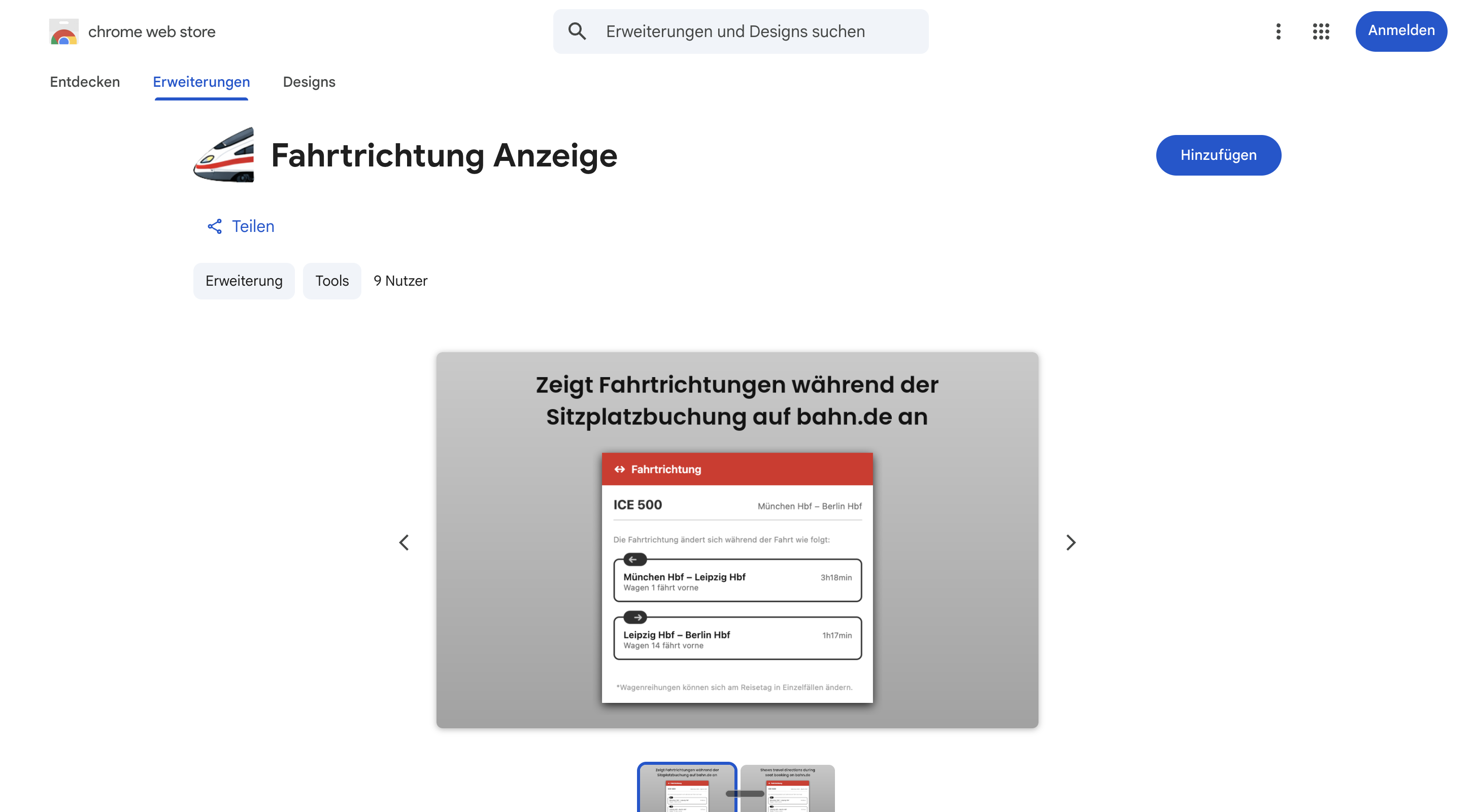
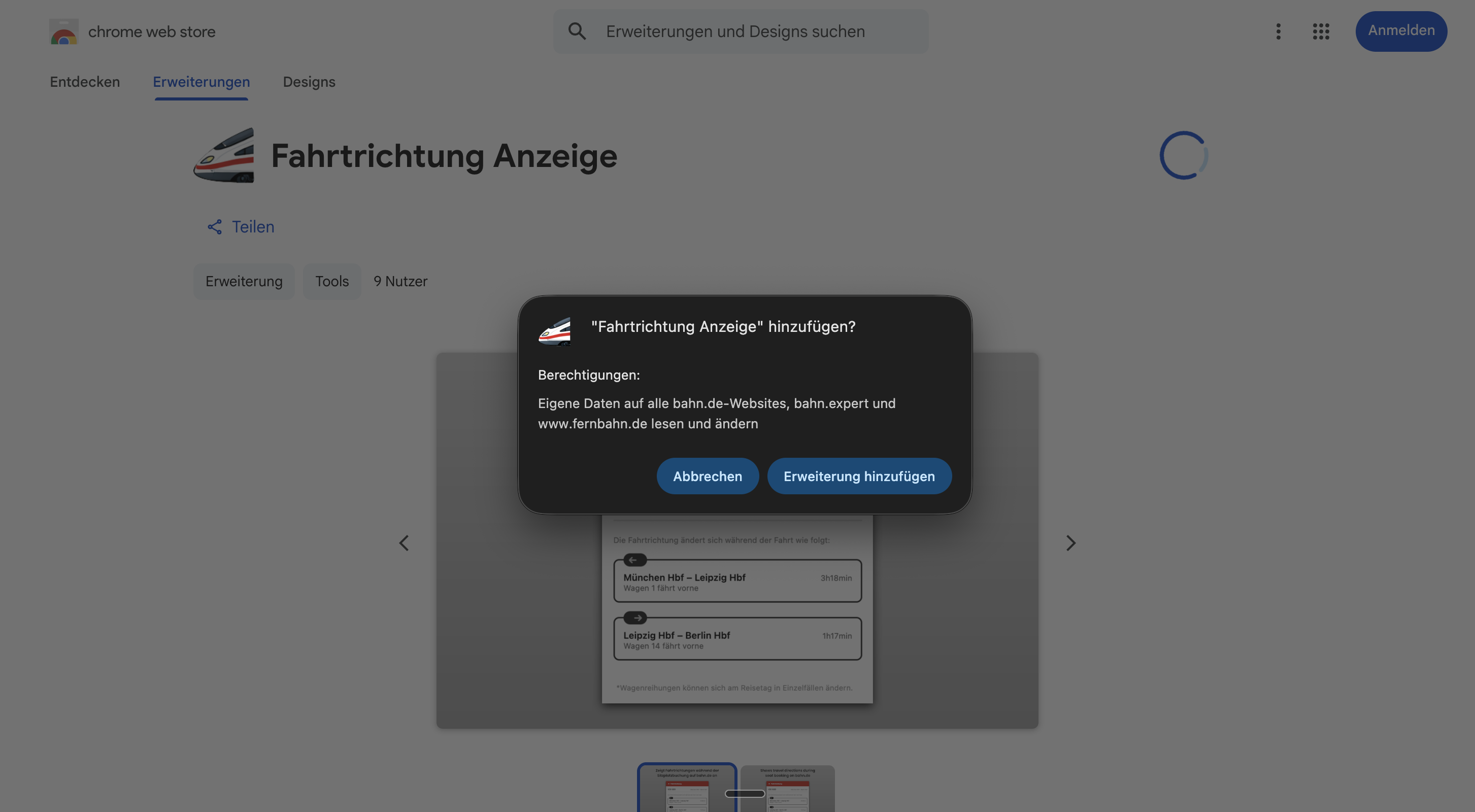
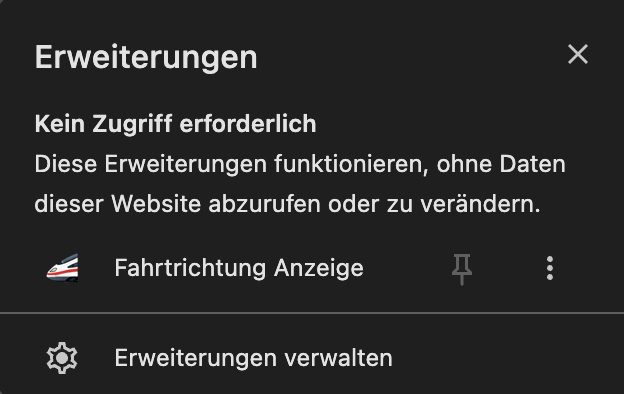
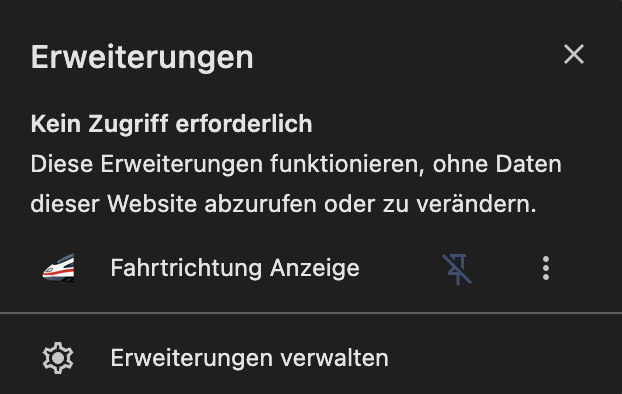
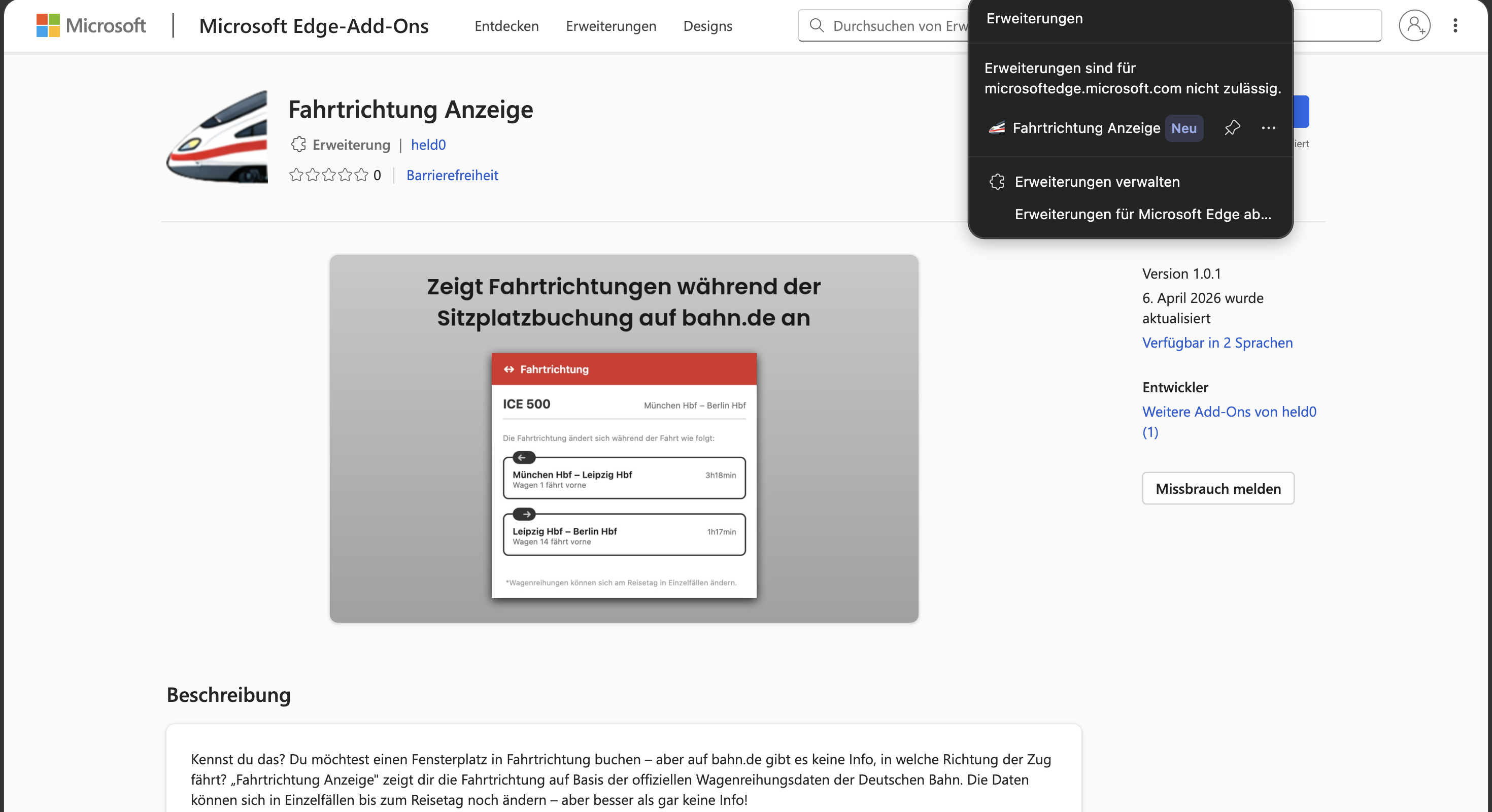
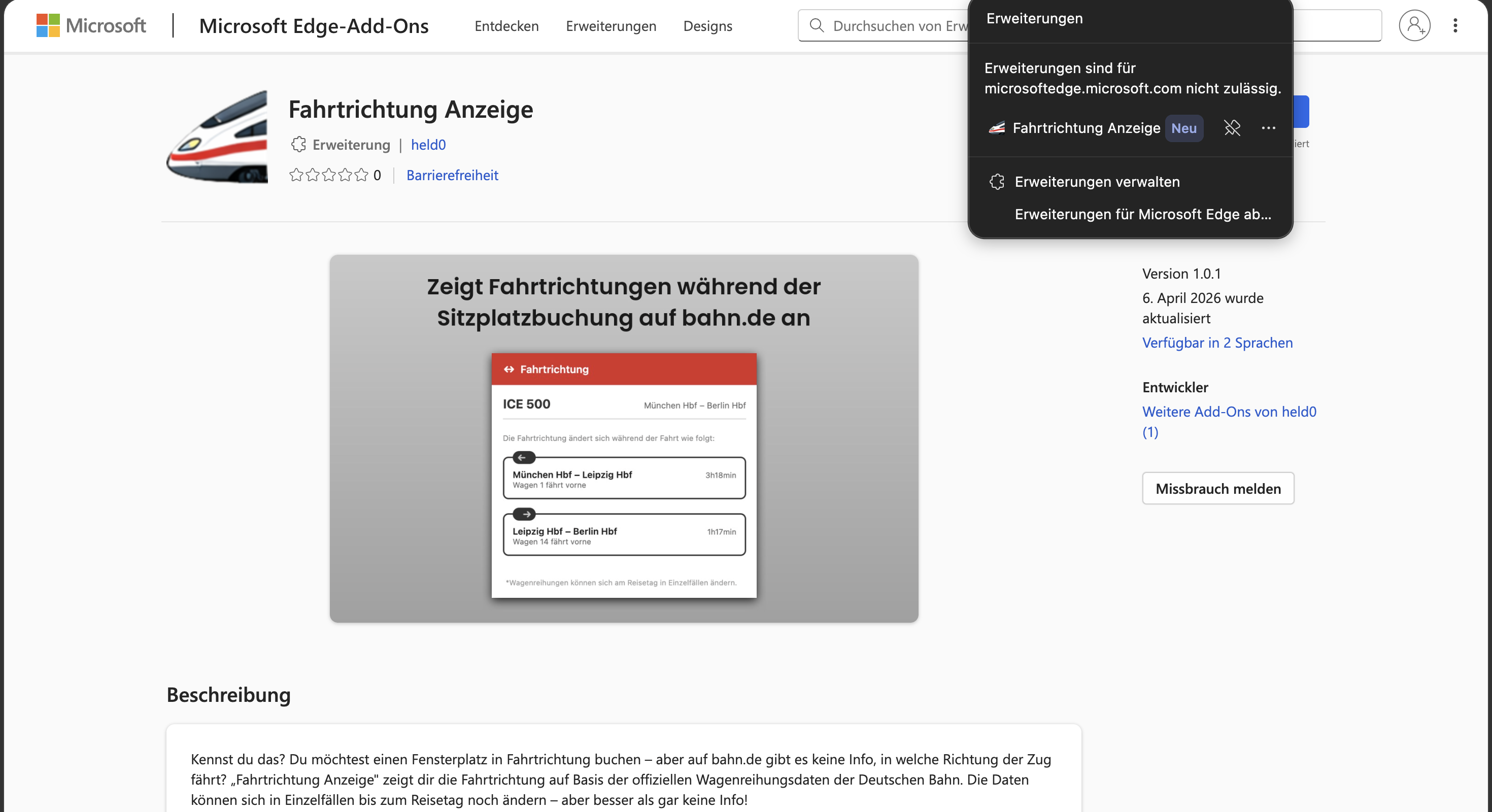
Never used a browser extension before? No problem: once installed, you'll find a small ICE icon in your browser's toolbar, to the right of the address bar. That's “Fahrtrichtung”. Don't see it? Click your browser's extensions icon (usually a puzzle piece) and pin the ICE icon so it's always visible. Still not sure how to install it? Here's a step-by-step walkthrough →

Installation

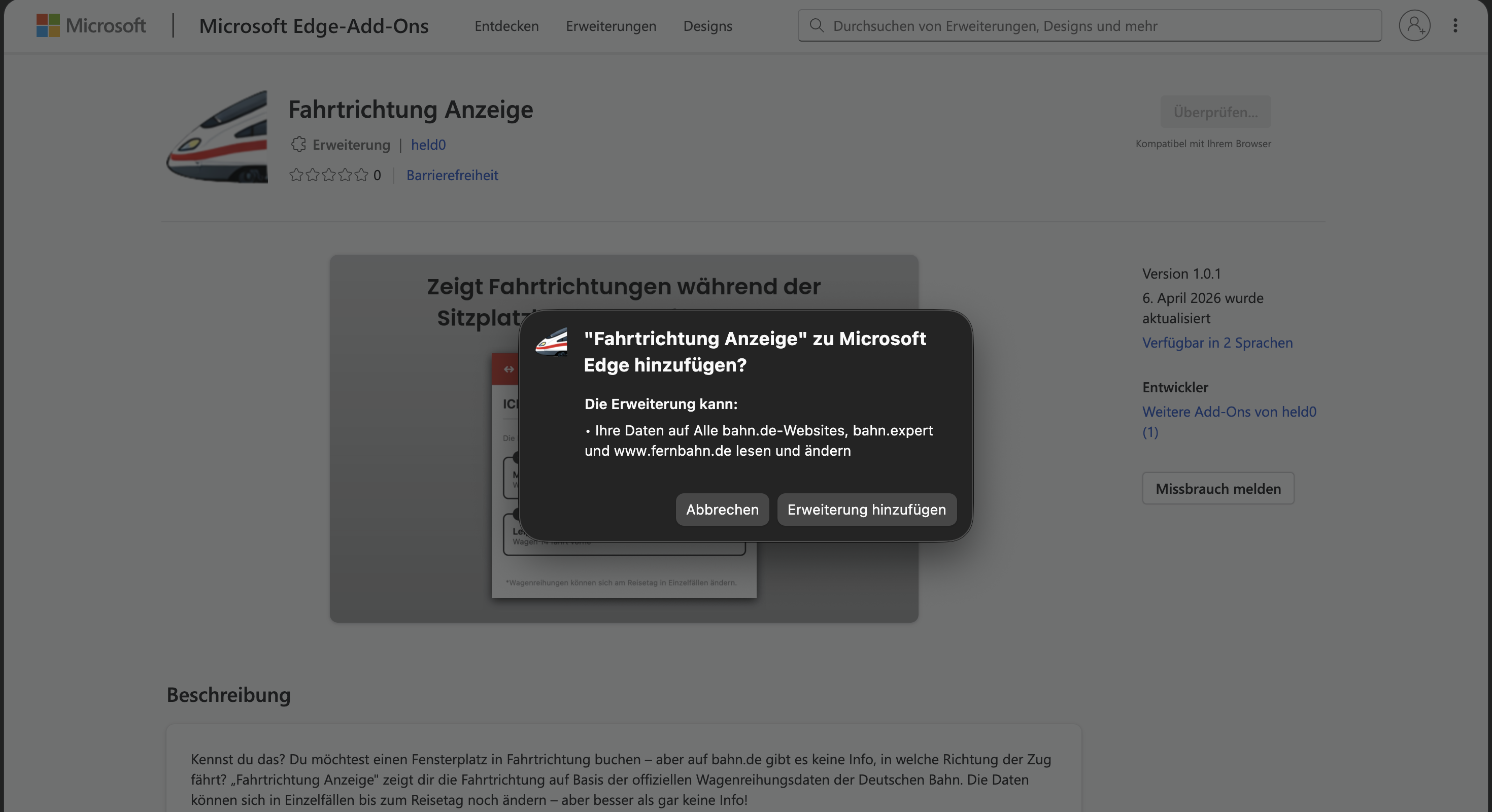
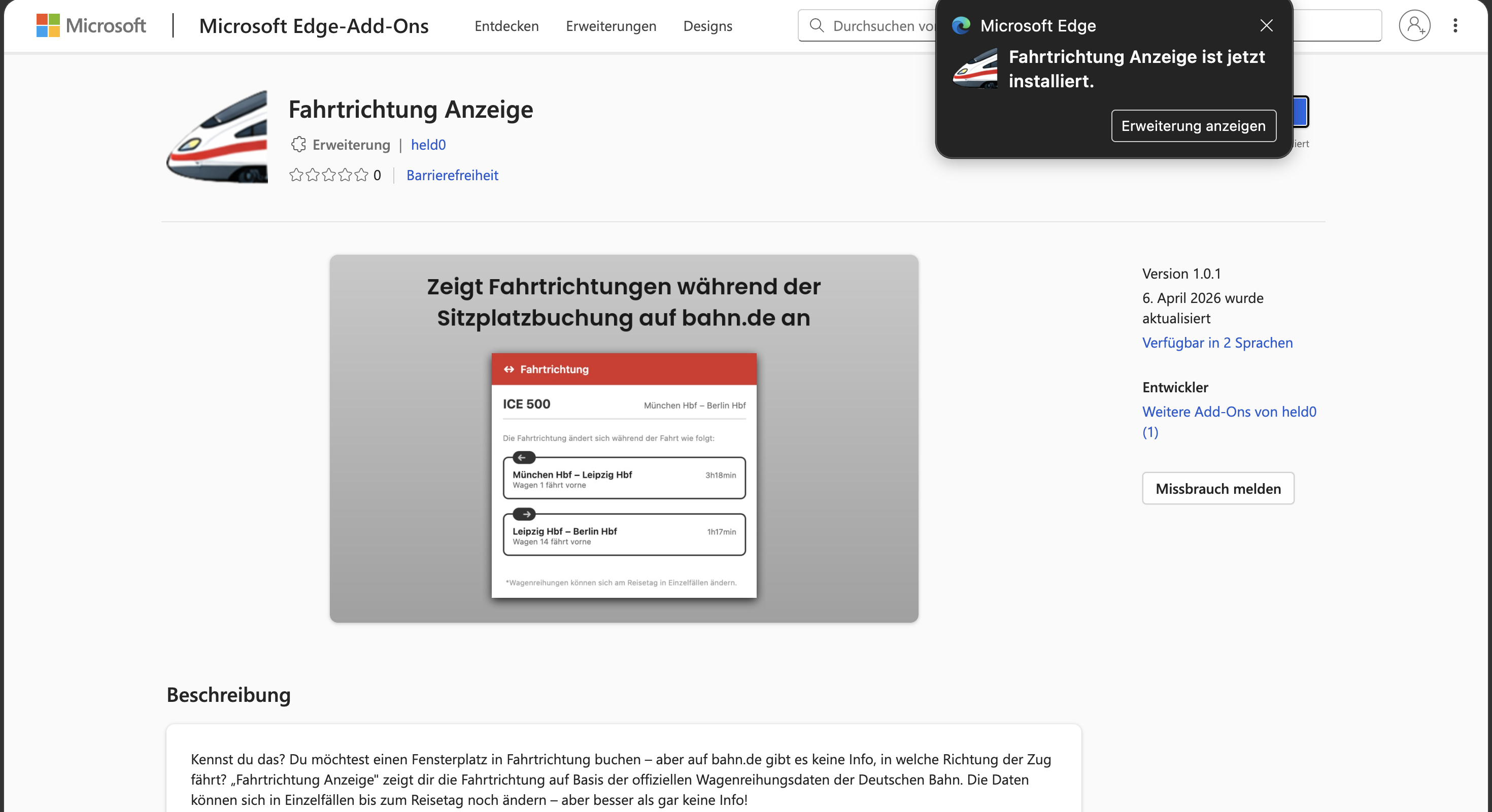
Installed in 30 seconds

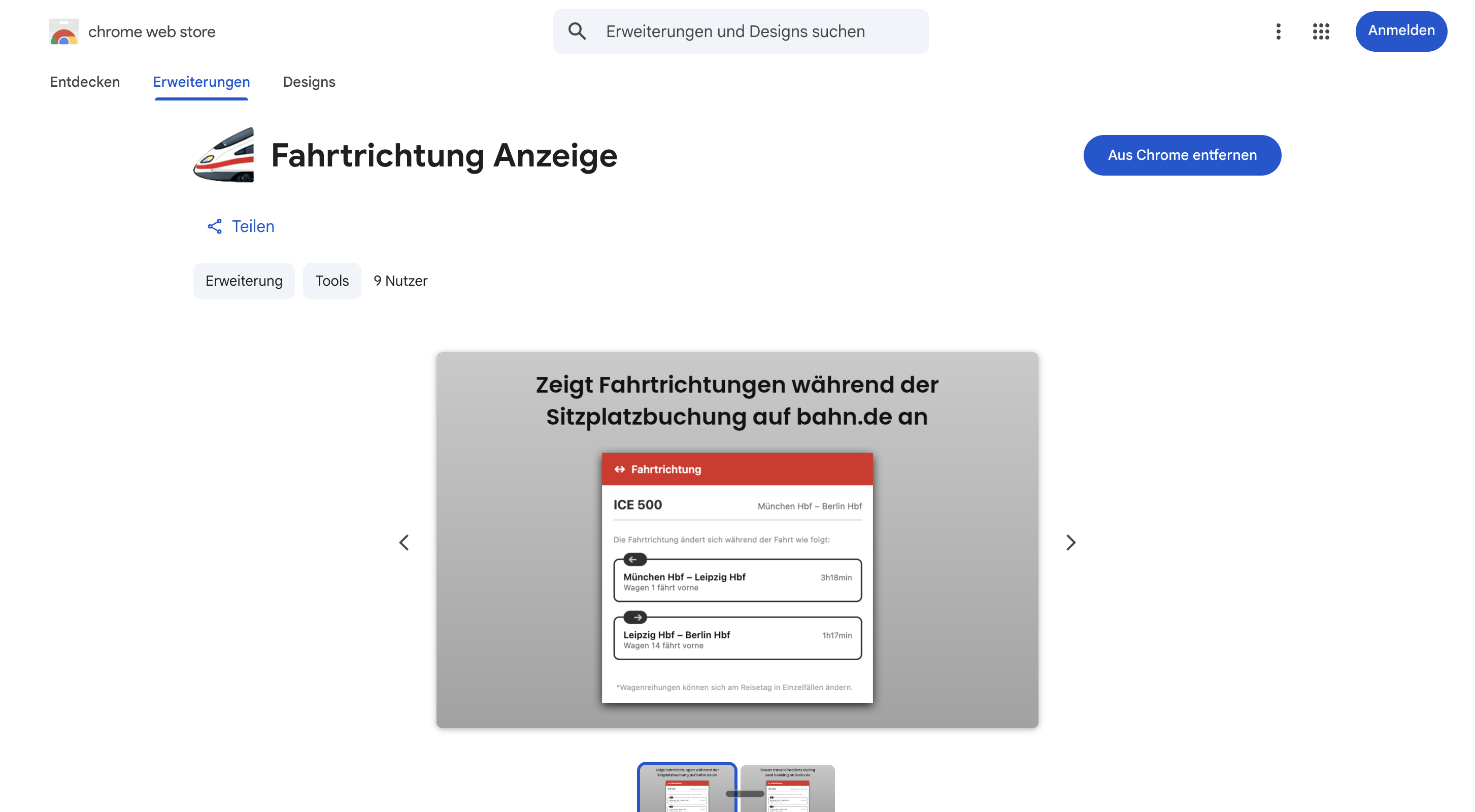
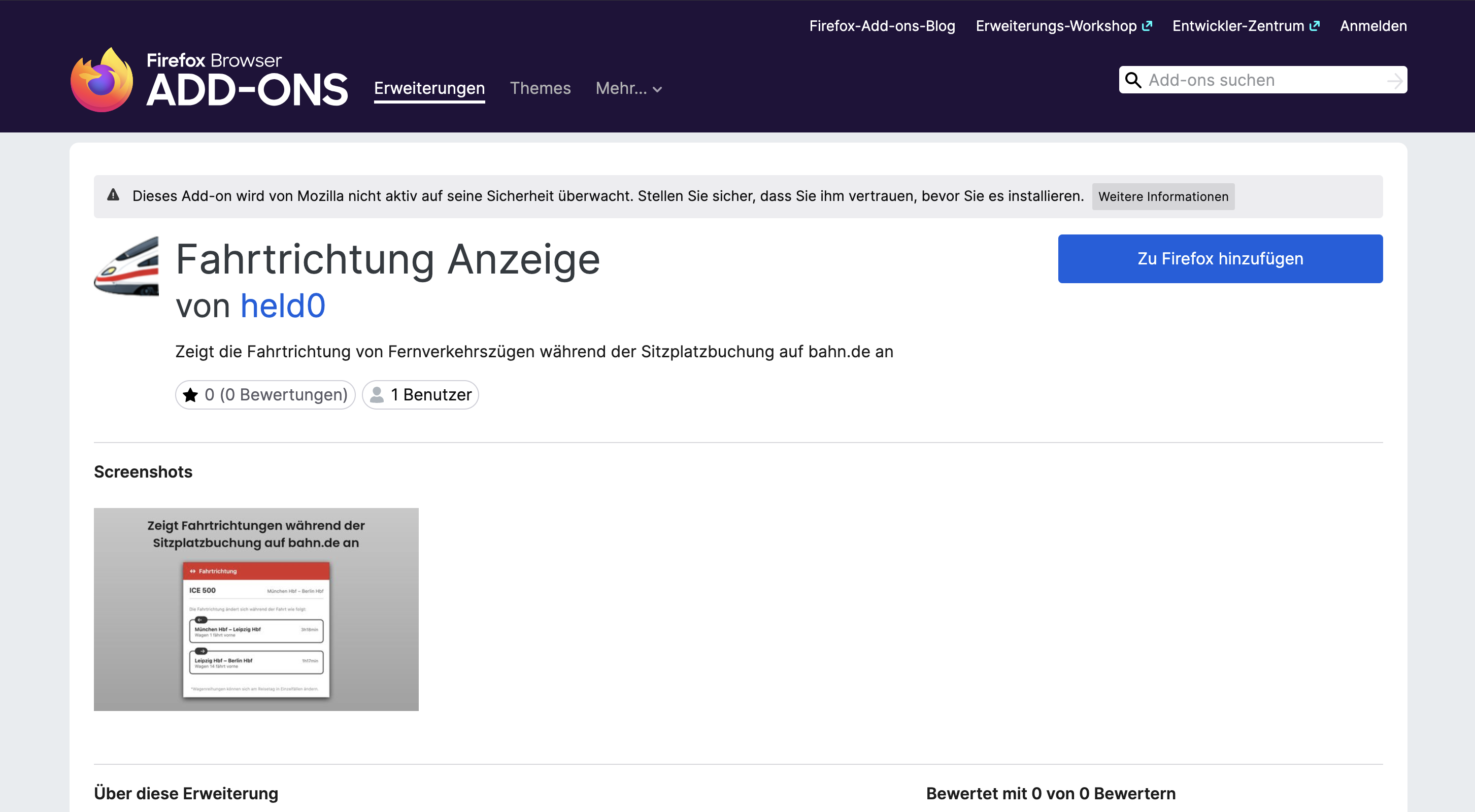
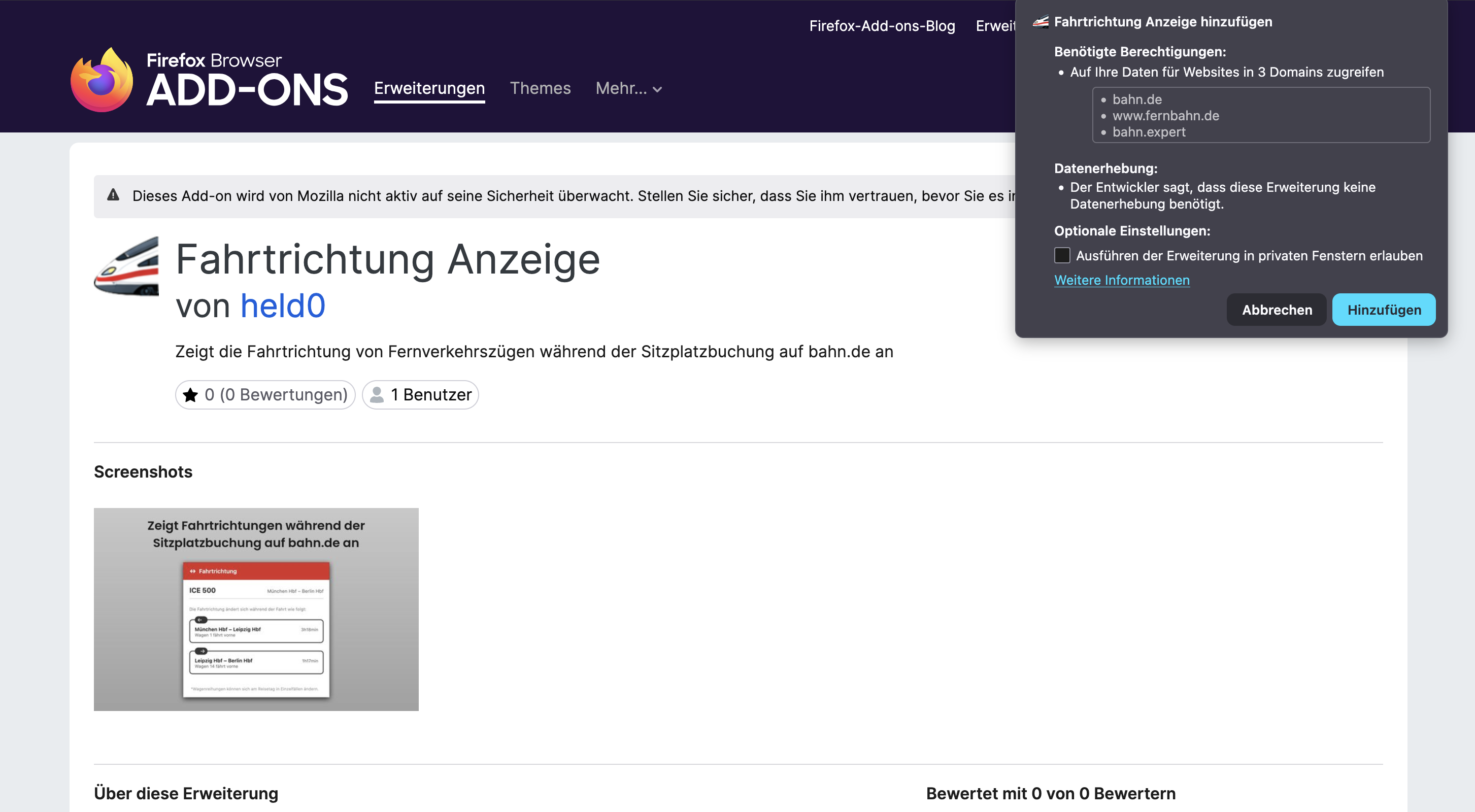
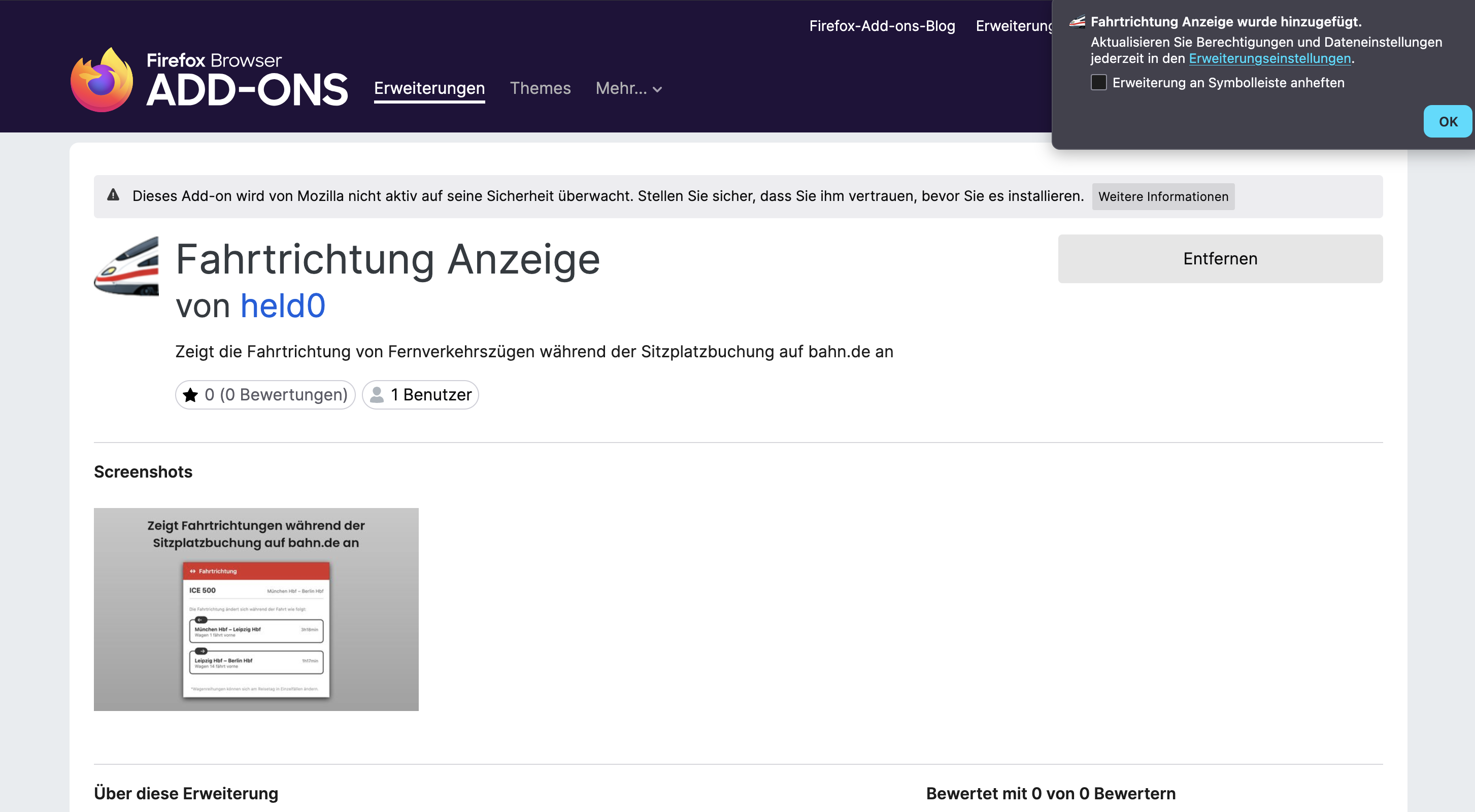
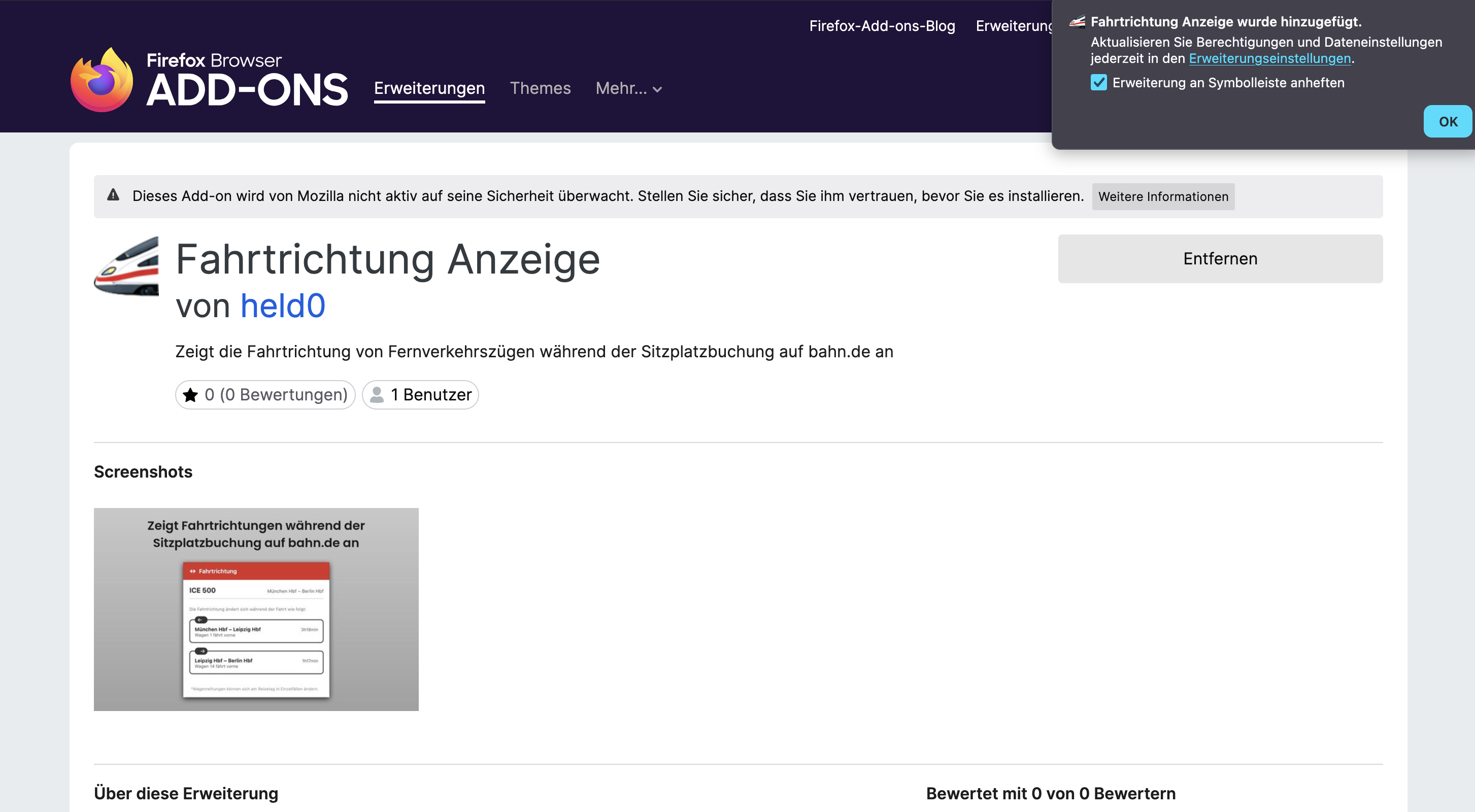
The animation below shows you step by step how to add “Fahrtrichtung” and pin its icon. (The screenshots show a German-language browser — the buttons are in the same place in yours.)

  1. Get the app from the App Store – one app for iPhone, iPad and Mac.
  2. Open the app and switch on Fahrtrichtung in Safari’s settings. Ideally set bahn.de and fernbahn.de to “Allow” under permissions straight away – otherwise Safari asks the first time with a very general warning. The app shows you where.
  3. On bahn.de, open “Sitzplatz auswählen” (choose seat) for your train and tap Fahrtrichtung in Safari – on iPhone via the page icon on the left of the address bar; Fahrtrichtung is further down that menu, so scroll down a little.

Good to know: the extension runs in Safari, not in the DB Navigator app, so on iPhone you book on bahn.de in Safari. Safari’s warning (“could read all websites …”) is Apple’s standard text for every extension – Fahrtrichtung only reads bahn.de.

Fahrtrichtung in Safari on iPhone: ICE 594, direction of travel per section
↗ Add to Chrome

Once added, the ICE icon appears in your toolbar. If you can't see it and want it always within reach, just pin it.

The manual way

You could also work it out by hand …

It's possible without the extension — but it costs you several minutes and a handful of open tabs every single time.

  • 01Look up your connection on bahn.de or in the DB Navigator app and note the train number (e.g. ICE 692) and your travel date.
  • 02Open the train directory on fernbahn.de (fernbahn.de/datenbank/suche), set the correct timetable year and enter the train number and train type.
  • 03From the often several entries, find the coach sequence that matches your date & weekday — the formation varies depending on the day of operation.
  • 04Read and make sense of the notes on the front of the train: for each section of the route they show which coach is at the front. At terminus stations (e.g. Frankfurt, Stuttgart, Munich, Leipzig) the direction reverses.
  • 05Only now choose the coach & seat on bahn.de that faces the direction of travel — and think this through separately for every train in your connection.

And on the day of travel, check again to be safe: in the DB Navigator app, tap the coach sequence icon at the station and check the arrow for the current direction of travel — diversions or short-notice changes can still flip it.

1×

… or just click once.

The extension does exactly these five steps for you automatically — with the same official data, in one second.

Install now →
Features

Exactly what you need — nothing more

Direction for every section

For each leg: which way the train is going and which coach is at the front — including every reversal along the way.

Travel time per section

For each section of the route you see how long you'll be sitting in which direction — forwards or backwards.

Automatic train detection

Reads your train and route straight from the seat reservation dialog on bahn.de — no typing needed.

Official data

Based on Deutsche Bahn's official, planned coach sequences — compiled by fernbahn.de.

English & German

The interface is available in English and German and automatically matches your browser language.

Date-specific

Automatically takes your travel date into account — the planned coach sequence can differ depending on the day.

ICEECEICECTGVESTRJXRJNJEN

Free & open source

All of the code is public on GitHub. A hobby project, not a business.

No data collection

No tracking, no account, no servers. Everything runs locally in your browser.

Lightweight

Only runs when you click it. No background load, no ads.

FAQ

Direction of travel on bahn.de — good to know

How do I find out the direction of travel on bahn.de?

bahn.de itself doesn't show the direction of travel. With this extension, you click the extension icon while the seat selection is open and instantly see which way the train runs on each section of the route — calculated from Deutsche Bahn's official coach sequence data.

Which way does the ICE travel?

There's no general answer — it depends on the train's route and can even change along the way. bahn.de doesn't tell you the direction of travel while you book. The extension calculates it from the official coach sequence data and shows you, for every section of the route, which way your ICE is going.

Can I see the direction of travel when I reserve my seat?

Yes — that's exactly what the extension is for. Open the seat map for your reservation on bahn.de, click the extension icon and you'll see the direction of travel right away, before you pick your seat. That way you book forward-facing on purpose, not by luck.

Which ICE coach is at the front?

That depends on the specific train, its route and any reversals along the way, and bahn.de usually doesn't tell you while you book. The extension shows you which coach is at the front for each section of the route.

Does the direction of travel change during the journey?

It can. At some stations the train reverses (terminus stations or other reversals). The extension lists each of these changes separately, so you know from which point on you'll be sitting backwards.

Is the data 100% reliable?

No, there's no 100% guarantee. The display is based on the official, planned coach sequences. In rare cases the formation can still change at short notice before departure. Usually it's correct, though — and it's the best data you can base your decision on.

Is any personal data collected?

No. The extension has no tracking and no user account. It runs locally and only does anything when you click it. It gets the coach sequence directly from fernbahn.de, and stops and times from bahn.de.

Which browsers are supported?

Chrome, Firefox and Edge on a computer, plus Safari on iPhone and iPad (via the “Fahrtrichtung” app on the App Store). On a computer, installing it takes less than 10 seconds.
Never ride backwards again.